

If for any reason you find a test video unsatisfactory, please click on the 'Report a problem' button located in the Tester section of the video player.
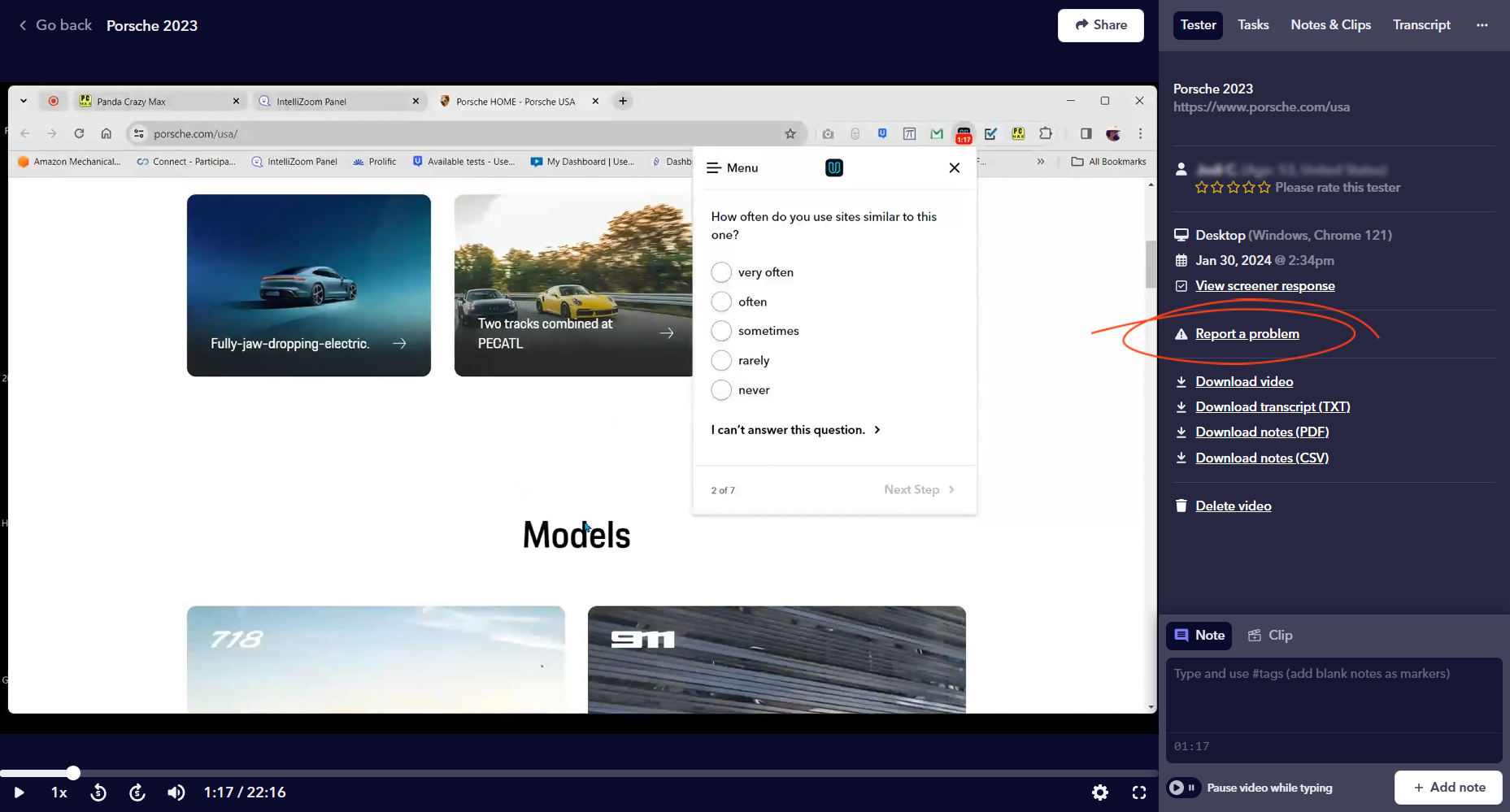
We will review the issue and inform our tester about the problem. Based on our 100% Satisfaction Guarantee we’ll refund the tester back into your account. You can then launch the test again for 1 more tester, or use it on a different test at a later date.
If the reported video used a tester session provided via your subscription, you will receive a tester session refund.
If the reported video used a tester credit, you will receive a tester credit refund.